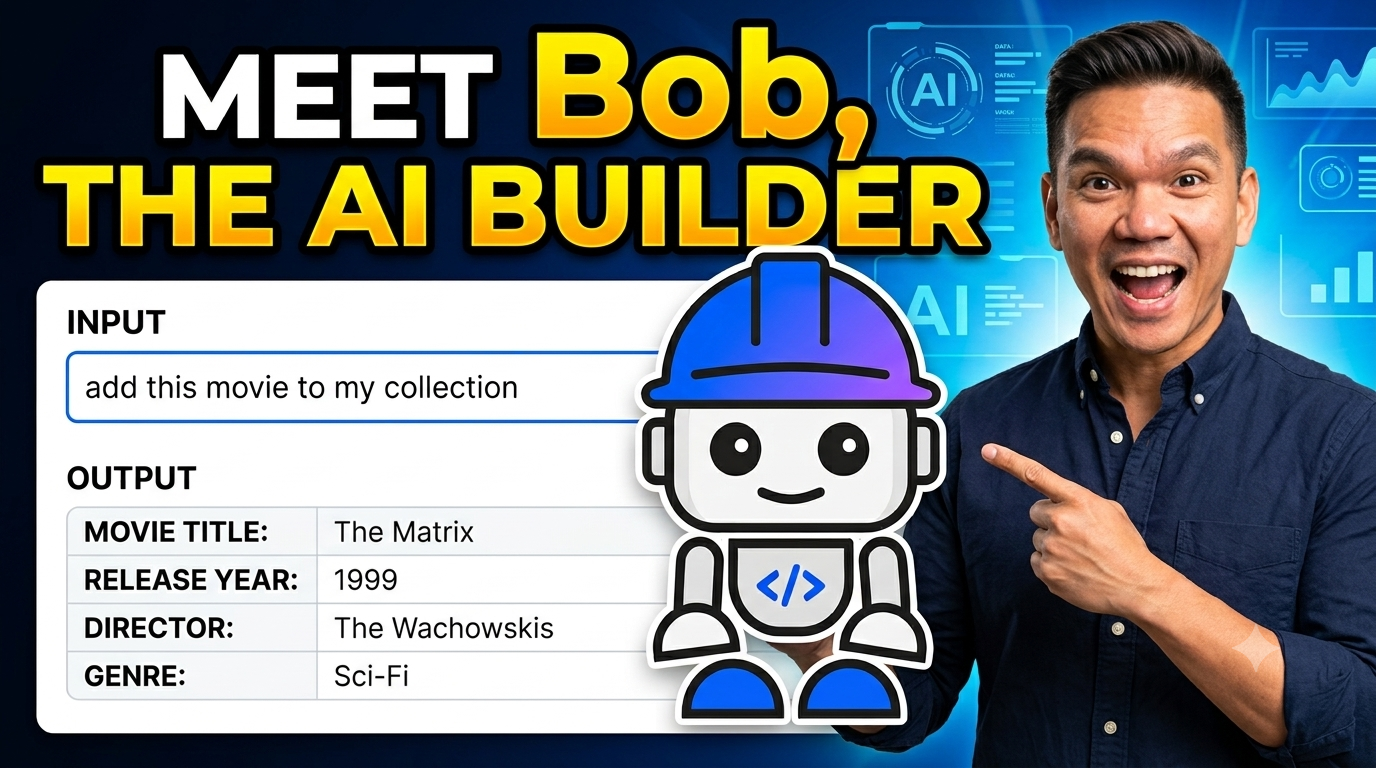
Unless you’re living under a rock, there’s a good chance you’ve been using ChatGPT, Claude or Gemini to help you write code, research a new topic, or plan a holiday. But AI assistants and models much more. What if they could talk directly to your database to read and write data, run queries, manage collections, and perform bulk operations, all without you writing a single line of code?
Meet Bob, the AI builder that can let you talk to your database with no coding involved. This is made possible by the Model Context Protocol (MCP) and I’ll show you how.
In this tutorial, you’ll connect the Bob IDE to Astra DB to create a document collection, insert and retrieve documents, and perform bulk updates entirely through natural language!
Wait, what is MCP?
MCP (Model Context Protocol) is an open standard that lets AI assistants connect to external tools and data sources. Think of it as a USB-C port for AI: a single, consistent interface that lets Bob plug into databases, APIs, file systems, and more.
Without MCP, Bob only knows what you paste into the chat window. With MCP, Bob becomes an active agent — it can read from and write to real systems as part of the conversation.
Astra DB is an enterprise distribution of Apache Cassandra deployed as a fully-managed service running on a public cloud of your choice. Astra DB ships with an MCP server out-of-the-box which exposes the database as a set of tools Bob can call directly: creating collections, inserting records, running vector searches, and more. The entire conversation becomes your interface.
Prerequisites
- Bob IDE installed
- Node.js 18 or later installed (
node --versionto check) - A free Astra DB account (sign up here, no credit card required)
Step 1: Create your Astra DB database
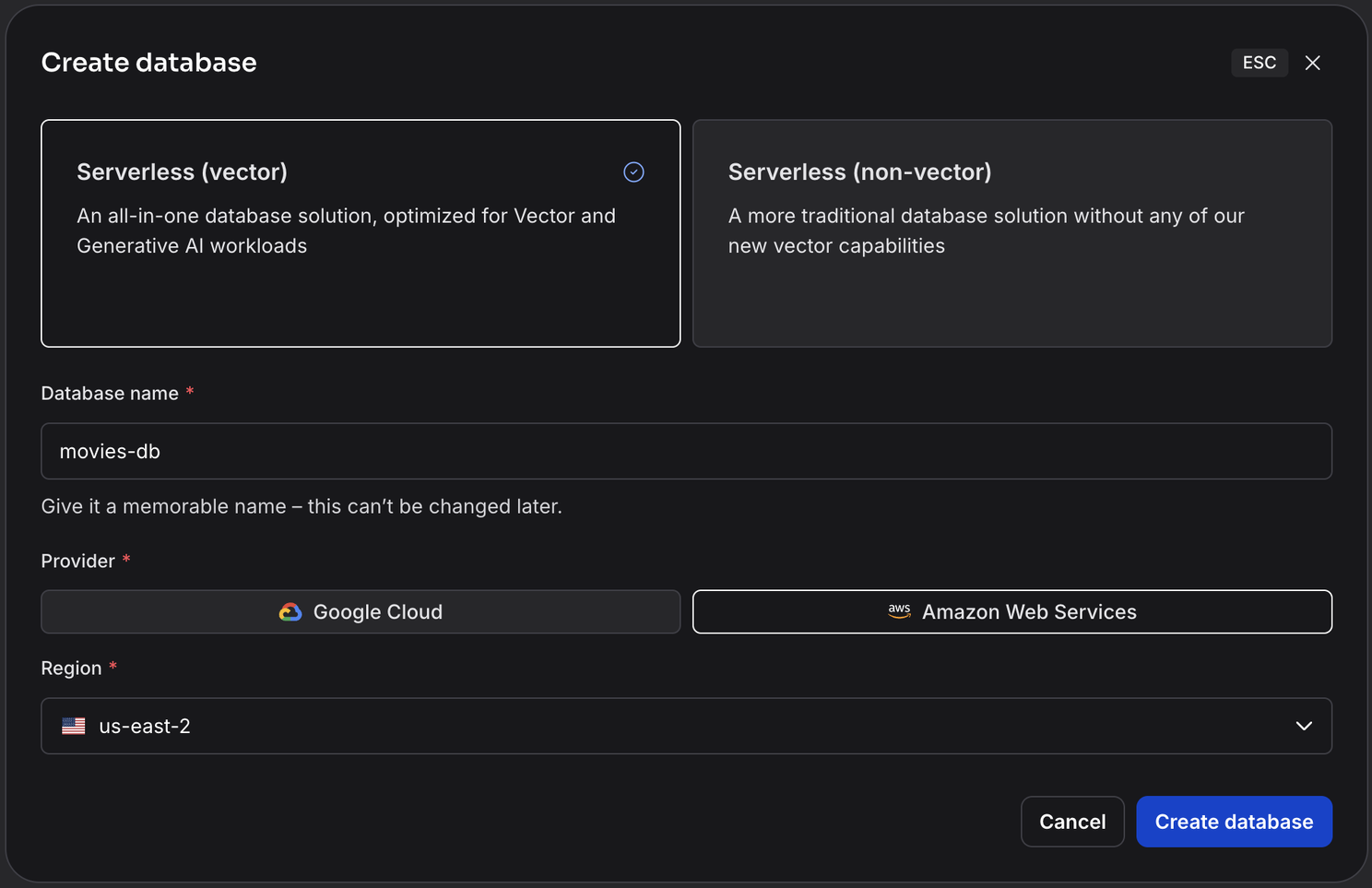
Sign in to astra.datastax.com and create a new Serverless (Vector) database.
Give the database any name you like (e.g. movies-db) and wait for it to become active. This usually takes about two minutes.
Step 2: Get your DB credentials
You need two things to connect to your database: an application token and the API endpoint. From the Astra DB portal, select your database.
Copy the API_ENDPOINT field. It looks something like https://*.apps.astra.datastax.com.
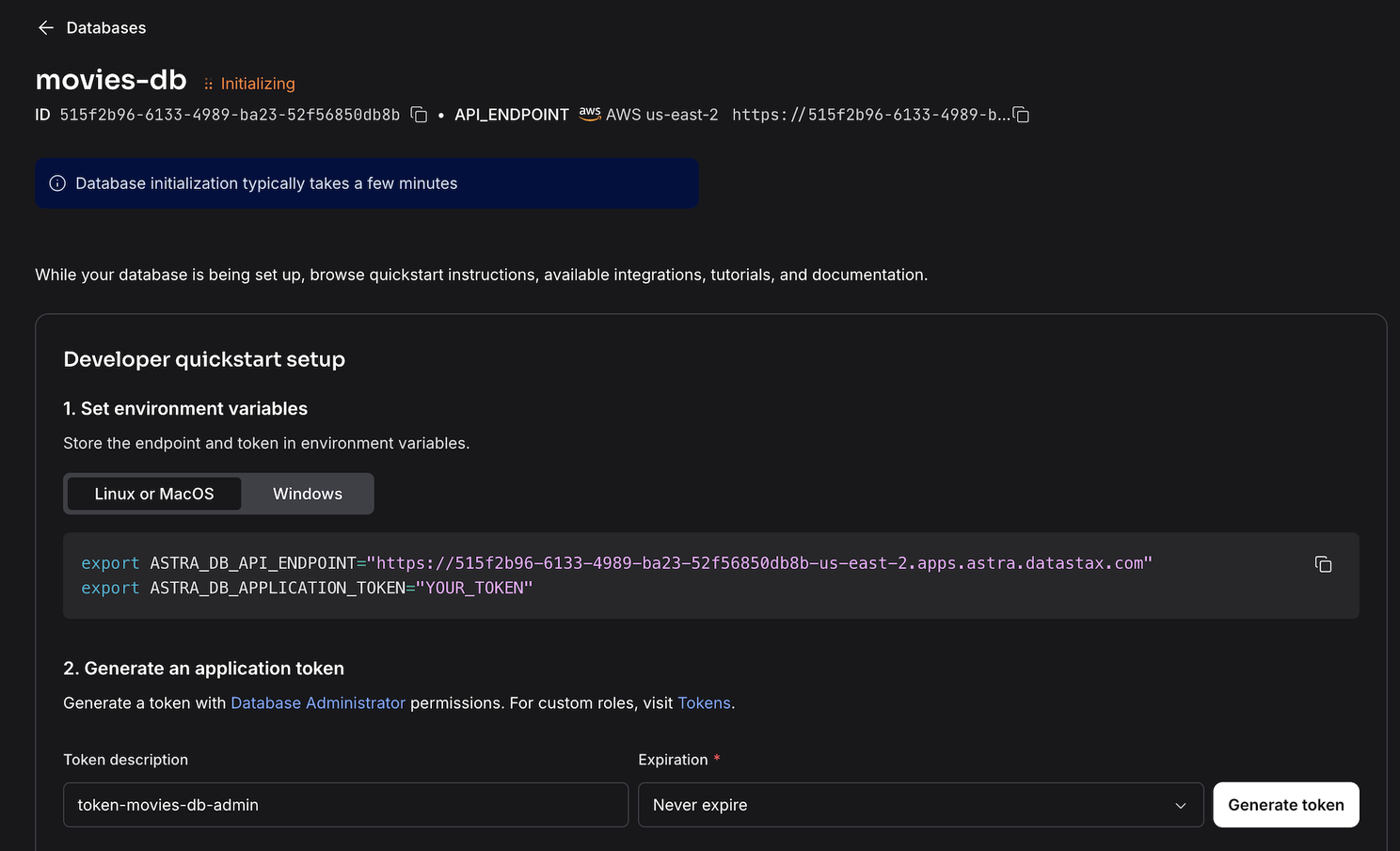
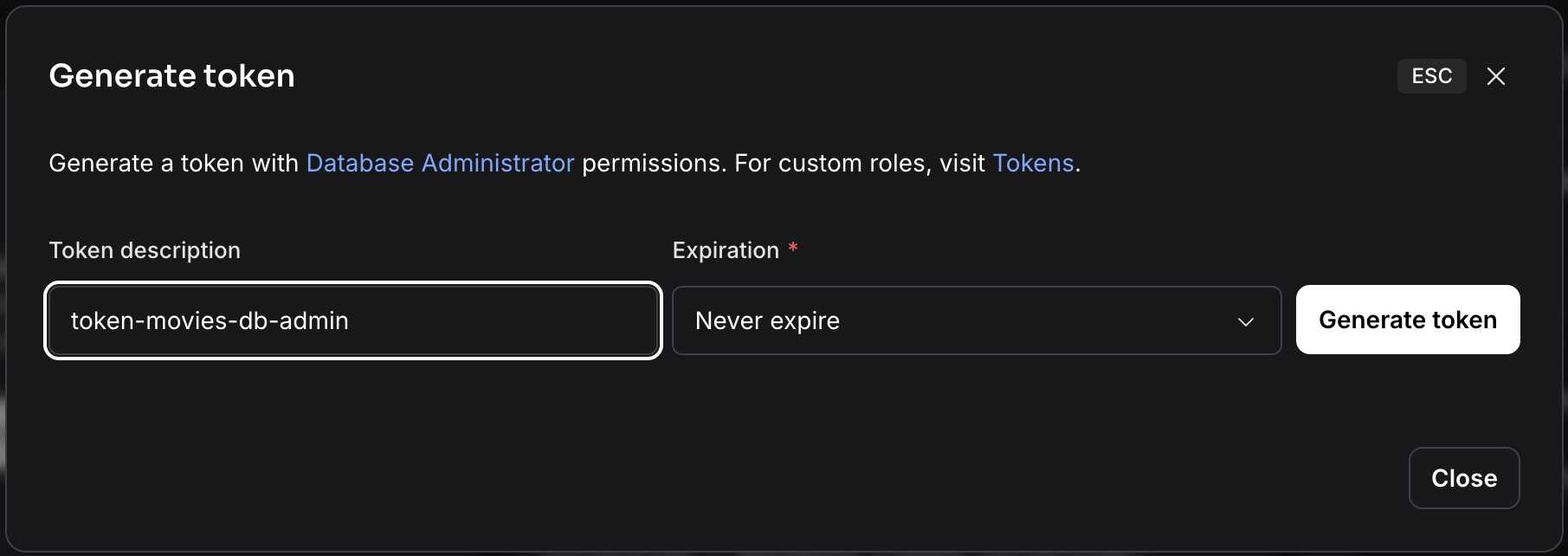
Then click the Generate Token button to generate an application token with a DB admin role. Save the new token in a safe place. It looks something like AstraCS:....
Step 3: Connect Bob IDE to Astra DB MCP server
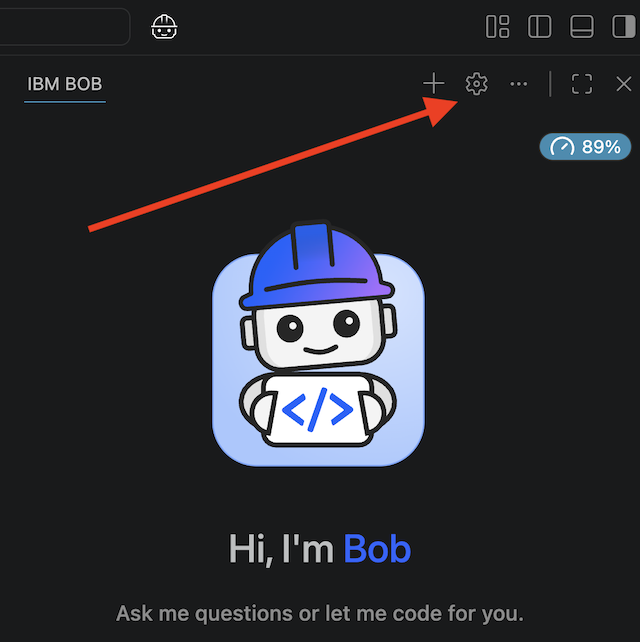
Launch the Bob IDE on your laptop or desktop then click on the ⚙️ settings icon at the top right of the chat window.
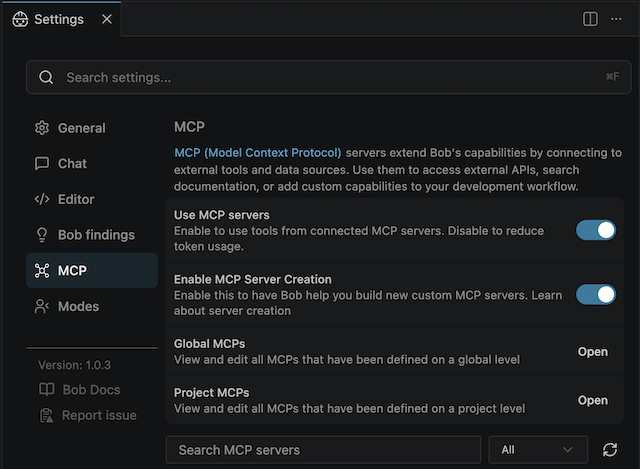
Then in the Settings window, click on MCP > Global MCPs > Open to open the mcp_settings.json configuration file.
Add the following, replacing the placeholder values with your actual token and endpoint:
{
  "mcpServers": {
    "astra-db-mcp": {
      "command": "npx",
      "args": ["-y", "@datastax/astra-db-mcp"],
      "env": {
        "ASTRA_DB_APPLICATION_TOKEN": "AstraCS:your_token_here",
        "ASTRA_DB_API_ENDPOINT": "https://your-endpoint_here.apps.astra.datastax.com"
      }
    }
  }
}
Windows users: npx is a batch command on Windows. Use this modified version instead:
"command": "cmd",
"args": ["/k", "npx", "-y", "@datastax/astra-db-mcp"]
Save the file, then fully quit and relaunch Bob IDE.
And that’s it for setting up your environment. If configured correctly, you should see the Astra DB MCP connector enabled in your Bob IDE.

Talk to your database
Now that you’ve got Bob configured, the fun part starts.
New collection
First, let’s create a new collection of movies in the. Open a new conversation in Bob and type:
Create a new collection of movies in the database.
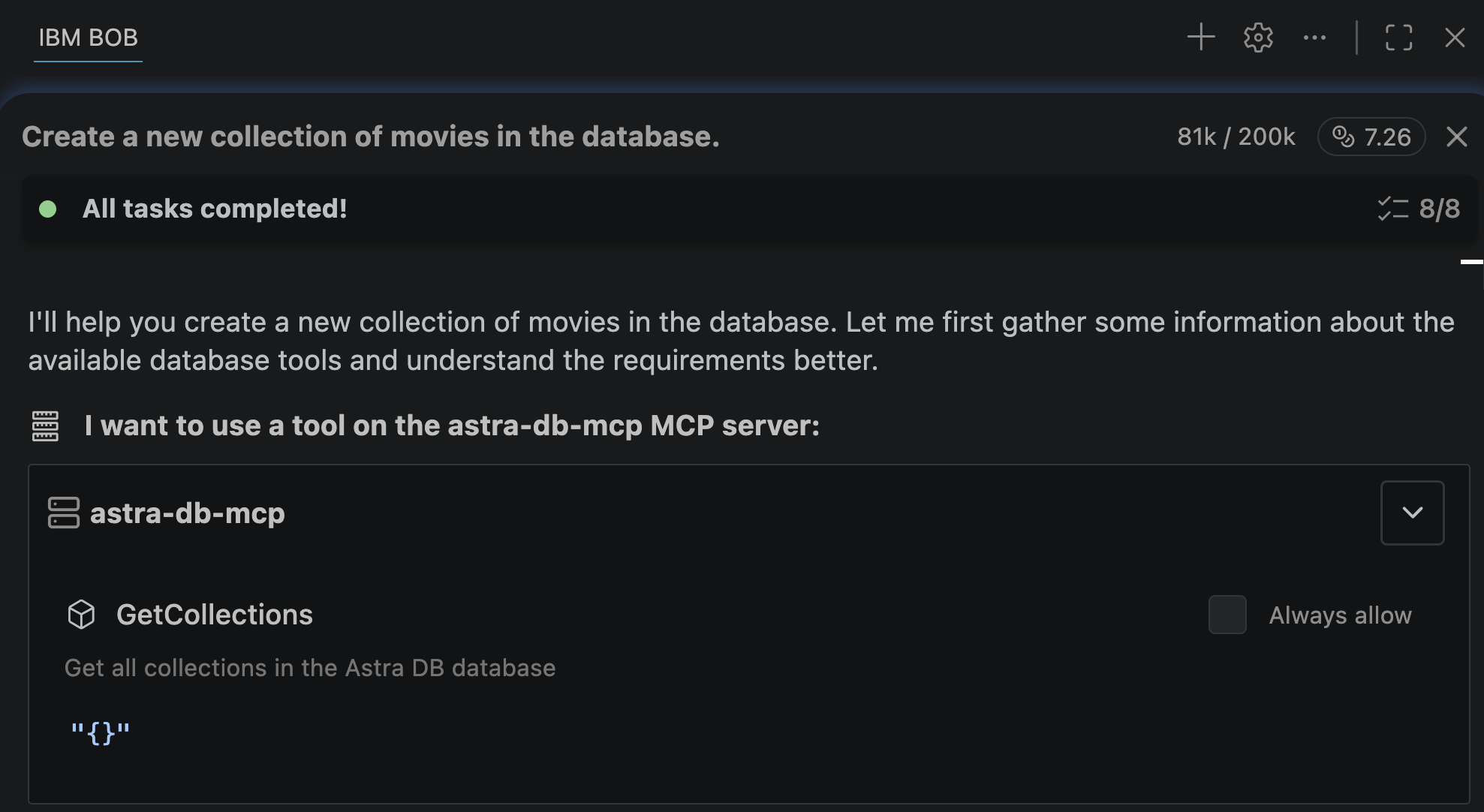
In my case, Bob first checked the connection to the database using the GetCollections tool before doing anything else.
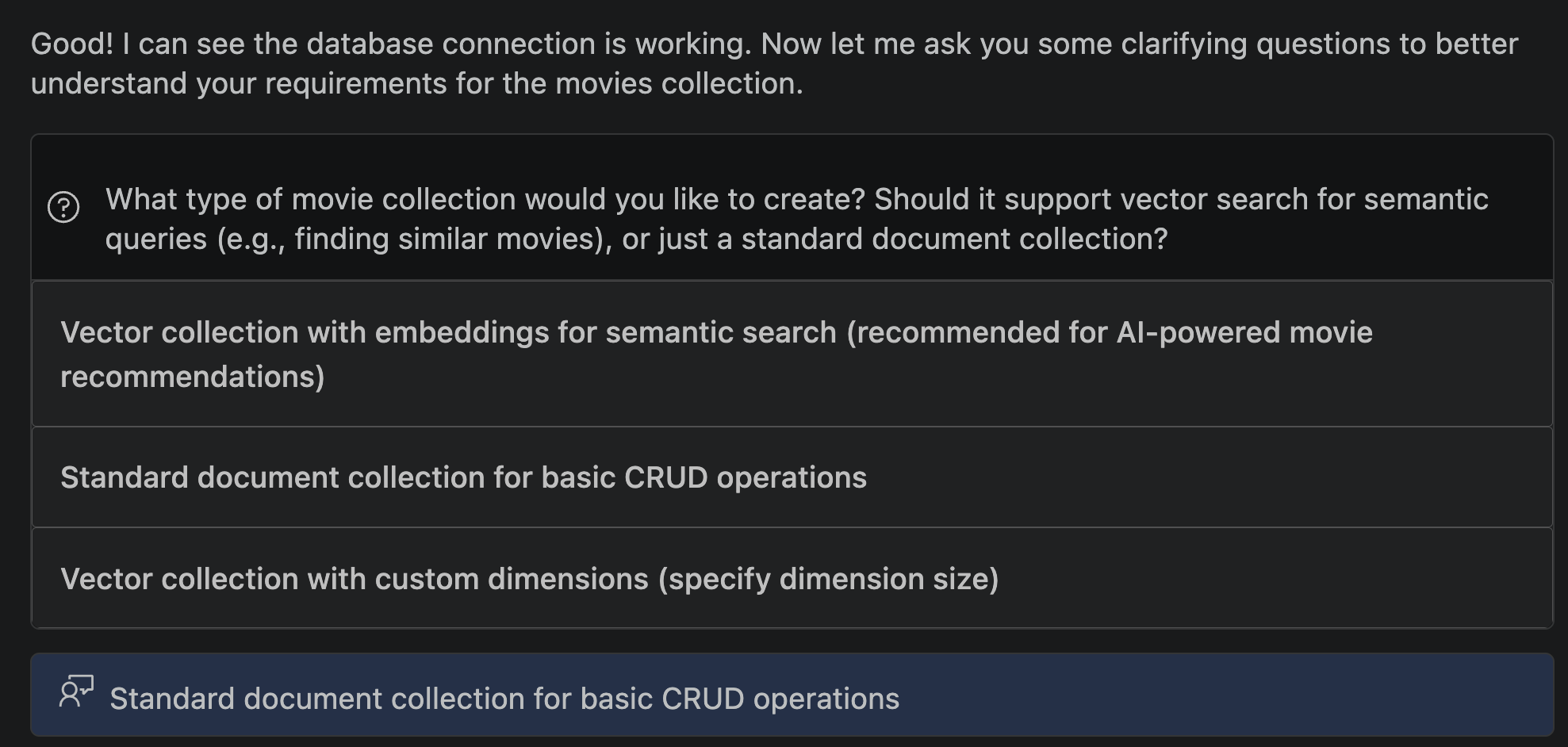
Then Bob needed clarifications, asking if I wanted to setup a vector or standard collection. Vector collections and semantic search is something I’ll be covering in a future post so for now, I chose standard:
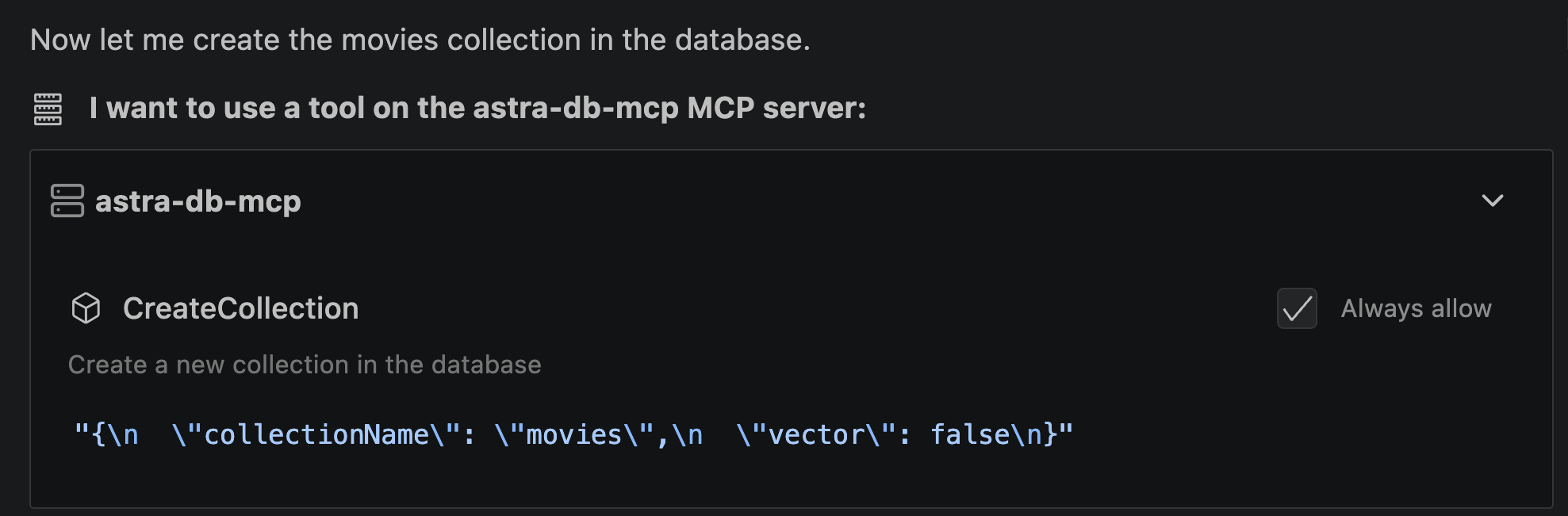
Then used the CreateCollection tool:
Load movies
Bob added sample movies using the BulkCreateRecords tool:
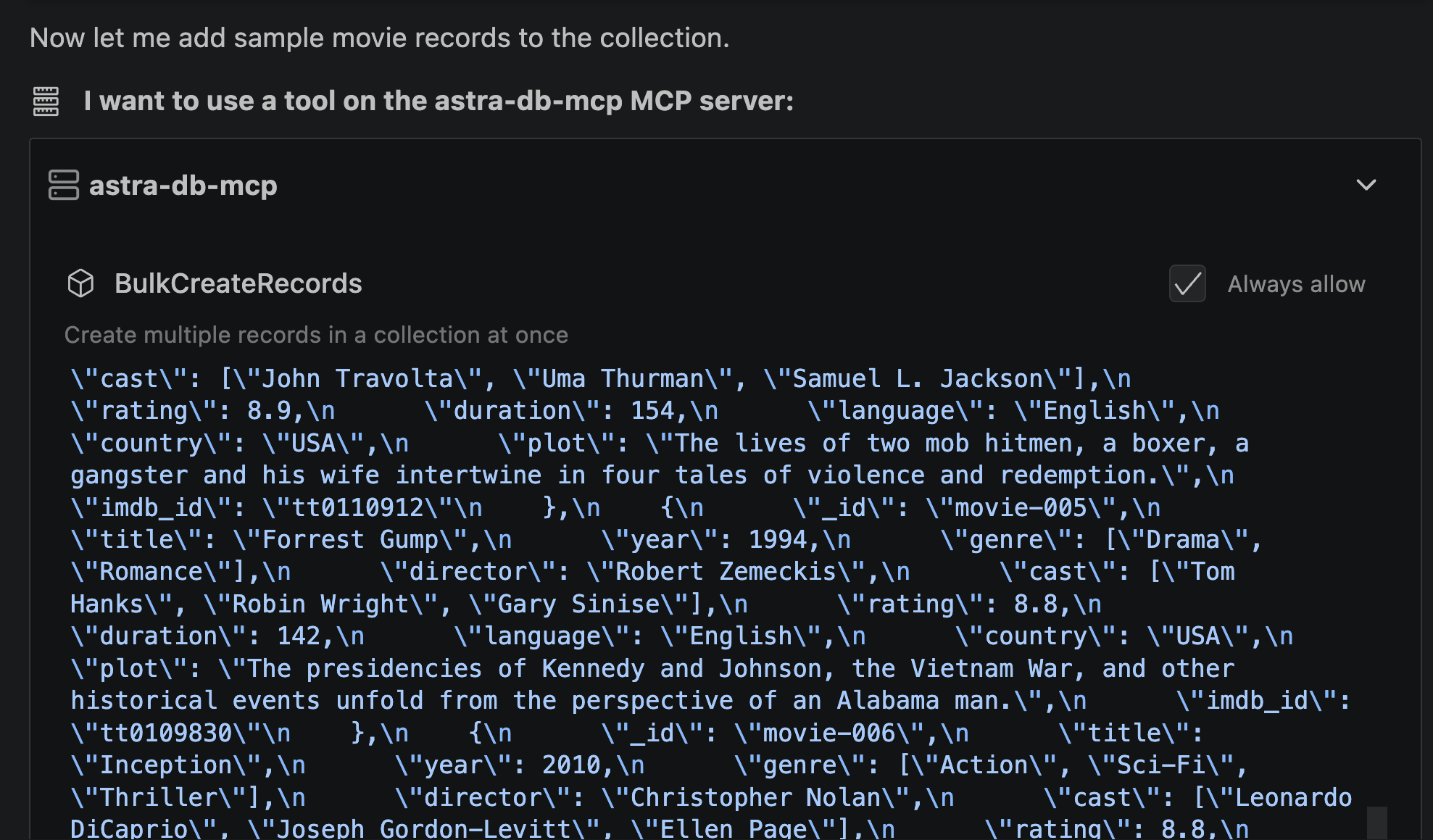
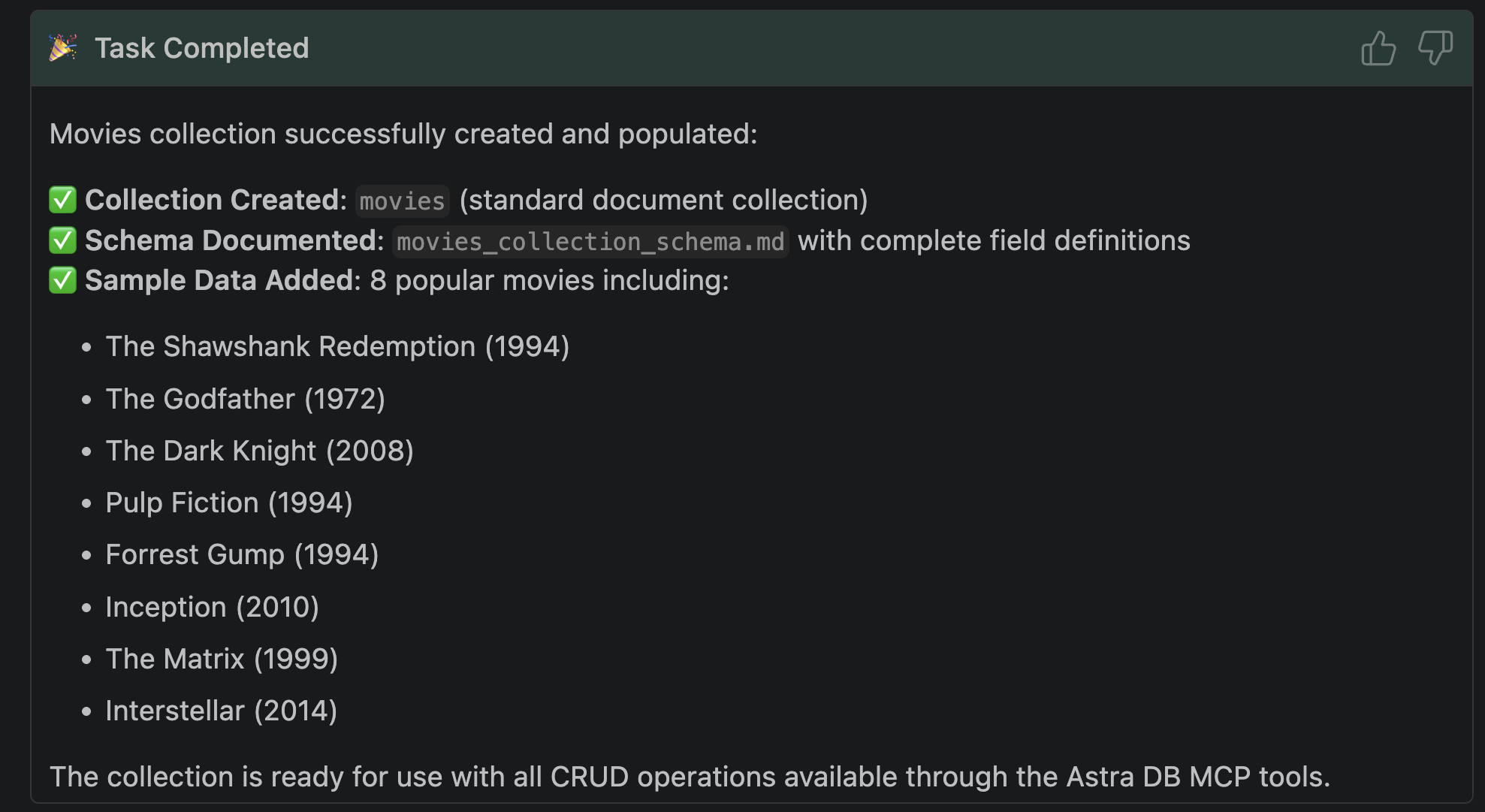
If Bob didn’t volunteer to do this, just ask. You can have fun with which movies you want to load but here’s an example:
Insert 10 mainstream movies from the last 10 years to the movies collection.
In my case, this is what the first record looks like in the collection:
{
  "_id": "movie-001",
  "title": "The Shawshank Redemption",
  "year": 1994,
  "genre": ["Drama"],
  "director": "Frank Darabont",
  "cast": ["Tim Robbins", "Morgan Freeman", "Bob Gunton"],
  "rating": 9.3,
  "duration": 142,
  "language": "English",
  "country": "USA",
  "plot": "Two imprisoned men bond over a number of years, finding solace and eventual redemption through acts of common decency.",
  "imdb_id": "tt0111161"
}
What just happened?
Bob translated your natural language requests and mapped them to the right tools it needed to execute queries against the database, it interpreted the results, and presented those results in a very useful way.
Bob was the interfacing client to your Astra DB’s MCP server, interpreting inputs and outputs without you writing code.
Let’s try to do more with the database.
Extend the schema
Let’s get Bob to add a description for each movie:
Add a new field called description. For each movie, generate a new description
up to 150 words in length then update the records one at a time.
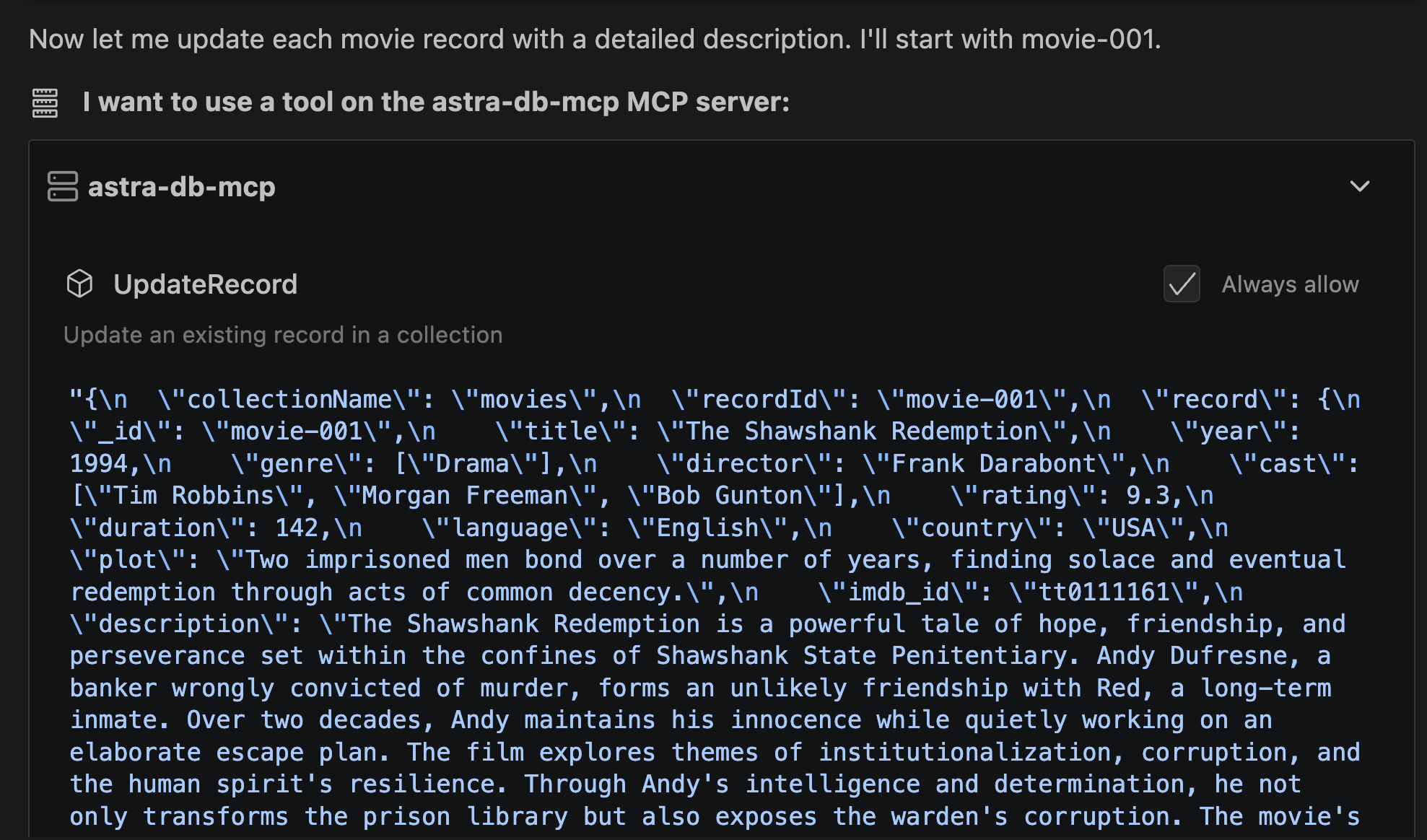
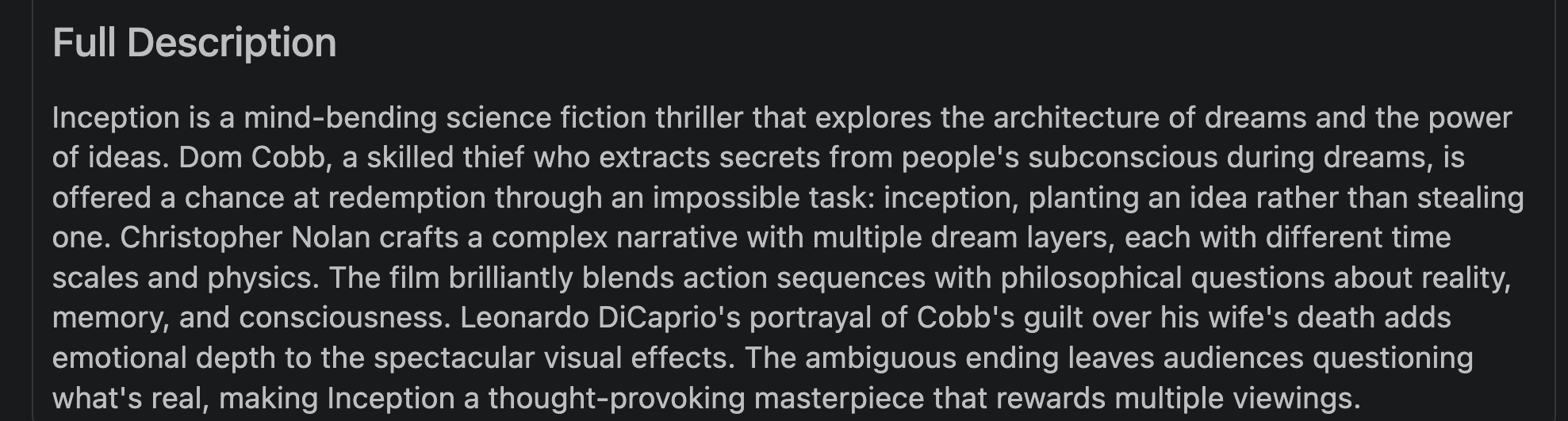
And just like that, all movies now have descriptions included. Here’s an example entry for one of the movies:
Add a more complex data type
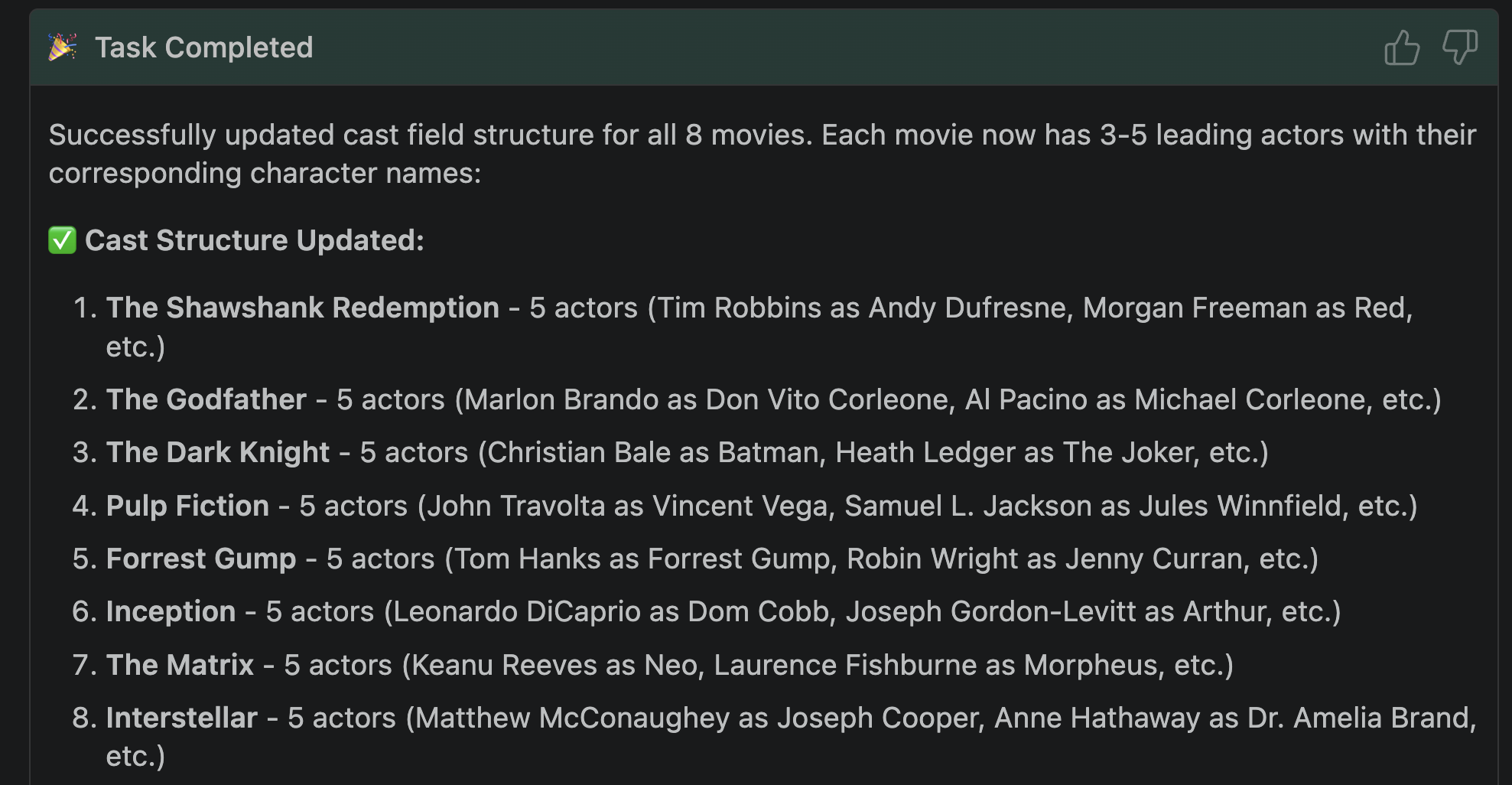
Let’s see if we can stretch the MCP tools a bit further by modifying the cast field, replacing it with the names of the leading actors and their characters:
Update the cast field as an array of objects, each with the character and actor as the keys.
For each movie, generate a list of 3-5 leading actors and their corresponding characters
then update each record one at a time.
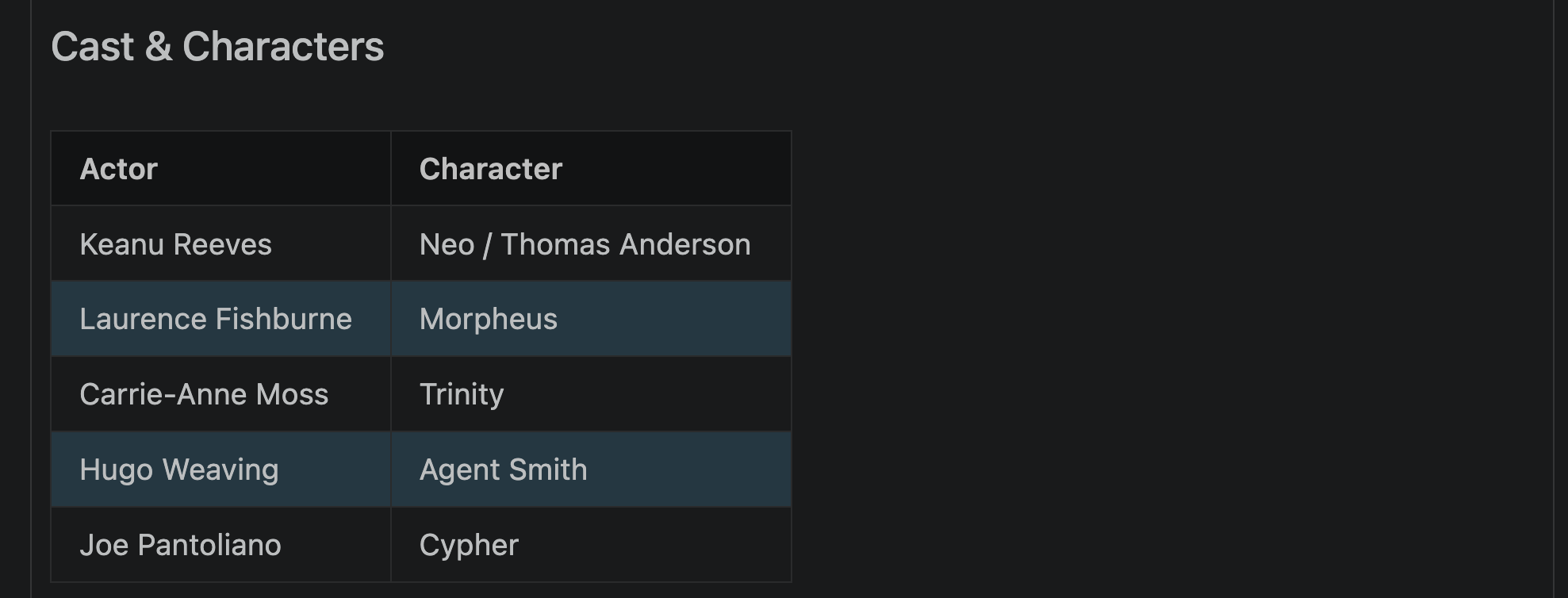
Here is the leading cast for The Matrix:
Ready to build with real data?
This tutorial used a small sample dataset to keep the setup fast but that shouldn’t stop you from asking Bob to load more movies. Astra DB’s free tier gives you enough headroom to store millions of documents and run production-grade workloads.
If you want to build Cassandra applications but don’t know where to start, check out the reference applications at KillrVideo with all the full working code provided.
Otherwise, book a live demo and we’ll show you how!